
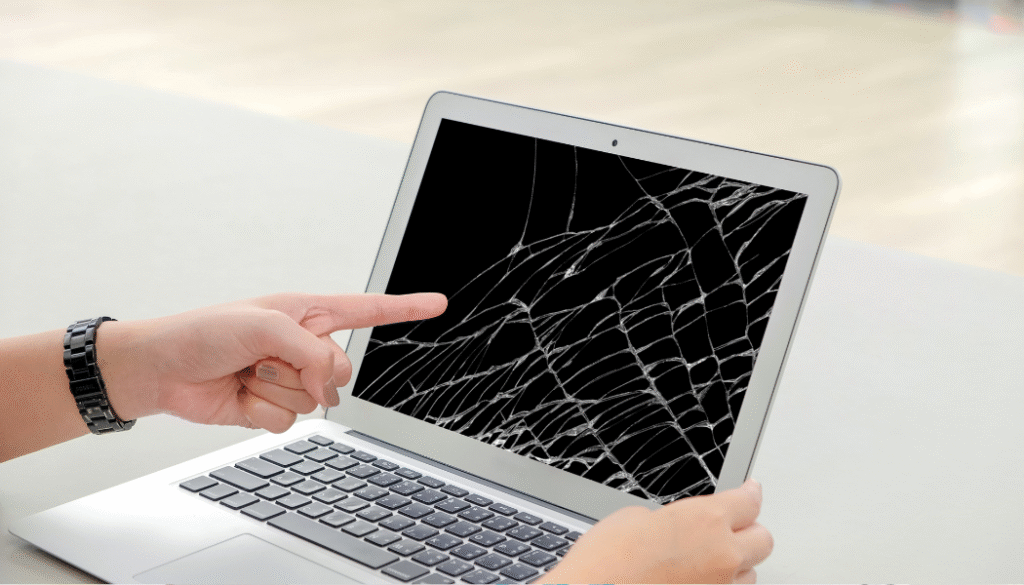
Your laptop screen is one of the most delicate and expensive components of your device. Whether you use your laptop for work, studies, gaming, or entertainment, a cracked or damaged screen can significantly impact productivity and lead to costly repairs. Fortunately, with a few preventive measures, you can extend the life of your laptop display and avoid unnecessary damage.
In this guide, we’ll explore practical tips to help protect your laptop screen from cracks, scratches, and other common display issues.
Why Laptop Screens Get Damaged
Laptop screens are designed to be lightweight and slim, making them more vulnerable to physical damage. Some of the most common causes of screen problems include:
- Accidental drops
- Excessive pressure on the screen
- Closing the laptop with objects on the keyboard
- Carrying the laptop without proper protection
- Rough handling during travel
- Exposure to extreme temperatures
Understanding these risks is the first step toward protecting your device.
Always Use a Protective Laptop Bag
One of the simplest ways to protect your laptop screen is by using a high-quality padded laptop bag or sleeve. A protective case helps absorb shocks and prevents pressure from being applied directly to the display during transportation.
When choosing a laptop bag, ensure it provides:
- Adequate padding
- Secure compartments
- Water-resistant materials
- Proper laptop size compatibility
This is especially important for professionals and students who frequently travel with their laptops.
Avoid Placing Heavy Objects on Your Laptop
Many laptop screen cracks occur when heavy items are placed on top of a closed laptop. The pressure can easily damage the LCD panel, resulting in visible cracks, dead pixels, or display distortion.
Always store your laptop in a safe location where it won’t be subjected to unnecessary weight or pressure.
Never Close the Lid with Objects on the Keyboard
Small items such as pens, earphones, USB drives, or even crumbs can cause significant damage if trapped between the keyboard and screen when closing the laptop.
Before shutting the lid:
- Check the keyboard surface
- Remove any foreign objects
- Ensure the screen closes smoothly
This simple habit can prevent costly display repairs.
Open and Close the Laptop Correctly
Improper handling can place stress on the screen hinges and display panel.
To avoid damage:
- Open the lid from the center rather than one corner
- Use both hands when necessary
- Avoid forcing the screen beyond its designed angle
Gentle handling helps maintain both the screen and hinge mechanisms.
Keep Liquids Away from Your Laptop
Accidental spills are a common cause of screen and internal component damage. Even a small amount of liquid can seep into the display assembly and affect screen performance.
To minimize risks:
- Keep drinks away from your workspace
- Use spill-proof containers when possible
- Clean up spills immediately
Prevention is always easier than repairing water damage.
Clean Your Screen Properly
Dust, fingerprints, and debris can accumulate on your screen over time. However, using harsh cleaning products can damage the display coating.
For safe cleaning:
- Use a microfiber cloth
- Apply screen-safe cleaning solutions
- Avoid spraying liquids directly onto the screen
- Wipe gently without applying excessive pressure
Regular cleaning helps maintain screen clarity and longevity.
Protect Your Laptop During Travel
Frequent travelers should take extra precautions when carrying laptops.
Travel protection tips include:
- Use a dedicated laptop compartment
- Avoid overcrowding bags
- Keep the laptop secured during transit
- Handle luggage carefully
Proper travel habits can significantly reduce the risk of screen cracks and impact damage.
Avoid Excessive Pressure on the Screen
Many users unknowingly press on the display while carrying their laptops. Excessive pressure can damage the internal LCD layers, causing:
- Screen discoloration
- Bright spots
- Dead pixels
- Display distortion
Always hold the laptop by its base rather than the screen.
Consider a Screen Protector
A quality screen protector can help minimize scratches and provide an additional layer of protection against minor impacts. While it won’t prevent major damage, it can keep your display looking new and reduce everyday wear and tear.
Watch for Early Warning Signs
Not all screen issues appear as visible cracks. Seek professional assistance if you notice:
- Flickering displays
- Horizontal or vertical lines
- Black spots
- Dead pixels
- Dim screen brightness
- Color distortion
Addressing these issues early can prevent further damage and potentially reduce repair costs.
What to Do If Your Laptop Screen Gets Damaged
If your screen becomes cracked or stops functioning properly, avoid attempting DIY repairs. Modern laptop displays are highly sensitive and require specialized tools and expertise.
Professional technicians can accurately diagnose the issue and recommend the most suitable repair or replacement solution, ensuring your laptop performs like new again.
Expert Laptop Screen Repair in Bur Dubai
Even with the best precautions, accidents can happen. If you’re dealing with a cracked, flickering, or damaged laptop display, professional repair services can help restore your device quickly and efficiently.
At Lapcare Computers, Expert Laptop Screen Repair in Bur Dubai we specialize in laptop screen repair and replacement services for leading brands, including HP, Dell, Lenovo, ASUS, Acer, and Apple MacBook. Our experienced technicians use quality replacement parts and advanced repair techniques to ensure reliable results.
Protecting your laptop screen starts with proper care, but when repairs are needed, trust experienced professionals to get your device back in perfect working condition.

